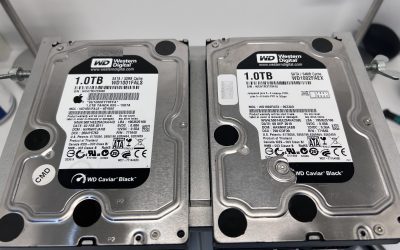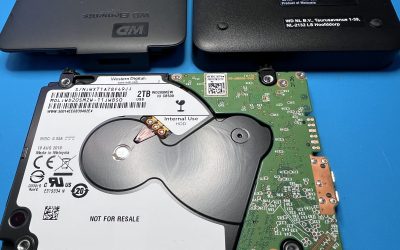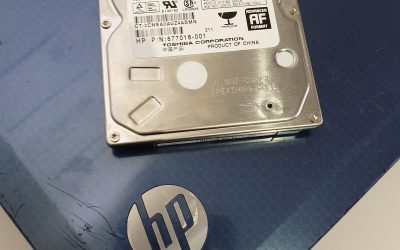

A Western Digital Caviar Green 3 TB came in from a trade customer in Scotland. The drive had been passed on to them, so we knew little of its history beyond the fact that it no longer worked.
Model WD30EZRS-11J99B1, WD family Dragon.

On the bench
The first hold-up was mechanical before it was technical. This drive used unusual screws, unlike the ones normally found on this type of drive, and nothing in our kit fitted them. So we had to order some new tools and wait for them to arrive (next-day delivery).
Once we had the new tools, we got working inside the cleanroom; opening the lid told the story. Fine metal dust spread out the moment it came off: the material that used to hold the data, ground off the platters.
Damage like this is loud. A drive grinding itself down like this would have been roaring while it did it. We see it most often from drives that live inside a device tucked out of sight, in a cupboard, where nobody hears it start to fail.

A small NAS left alone to do its thing is the classic case. Nobody has set it up to alert anyone, so it carries on running while it destroys itself, until the day someone notices they can no longer reach their files. CCTV DVRs are another.

What came back
Nothing. Every surface was in the same state as the top one. The damage is irreversible, and under standard recovery terms the drive was unrecoverable. It went back to the customer by courier.
Western Digital Caviar Green 3 TB · WD30EZRS-11J99B1 (WD family Dragon) · platter surfaces destroyed · cleanroom inspection
My NAS or DVR drive has started making grinding noises. What should I do?
Shut the device down straight away and leave it off. Every minute a damaged drive keeps spinning, the heads can scrape more of the surface away, and that surface is your data. If the data matters, have the drive looked at in a lab before anyone tries powering it up again.
How do I stop this happening to a drive I can’t see?
Turn on the alerts. Most NAS boxes and many DVRs can email you when a drive reports problems, but only if someone configures it. Failing that, don’t hide the device where nobody will hear it, and if it starts making unpleasant noises, switch it off.