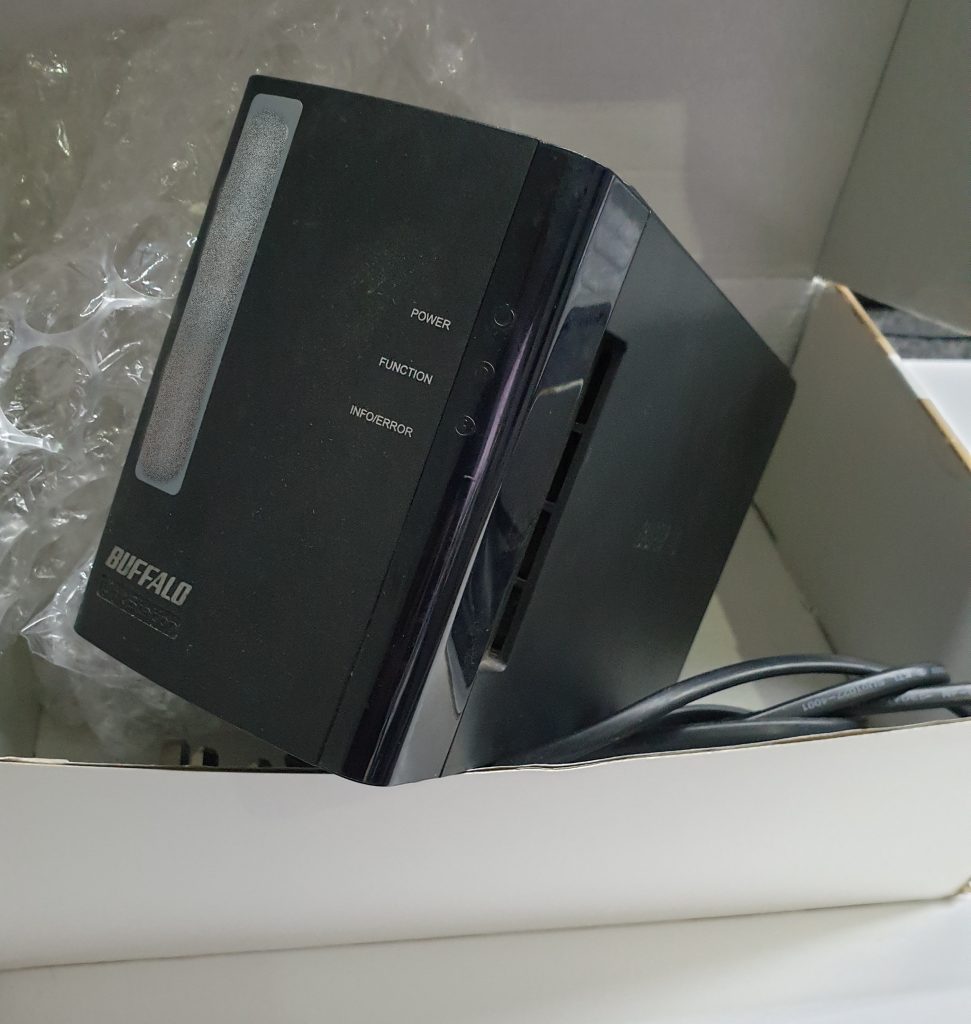
A two-bay Buffalo LinkStation arrived from an IT support firm: the box powered up but never came to life, and when the drives were pulled and put in a USB cradle they showed only raw partitions. The customer believed the pair was mirrored.
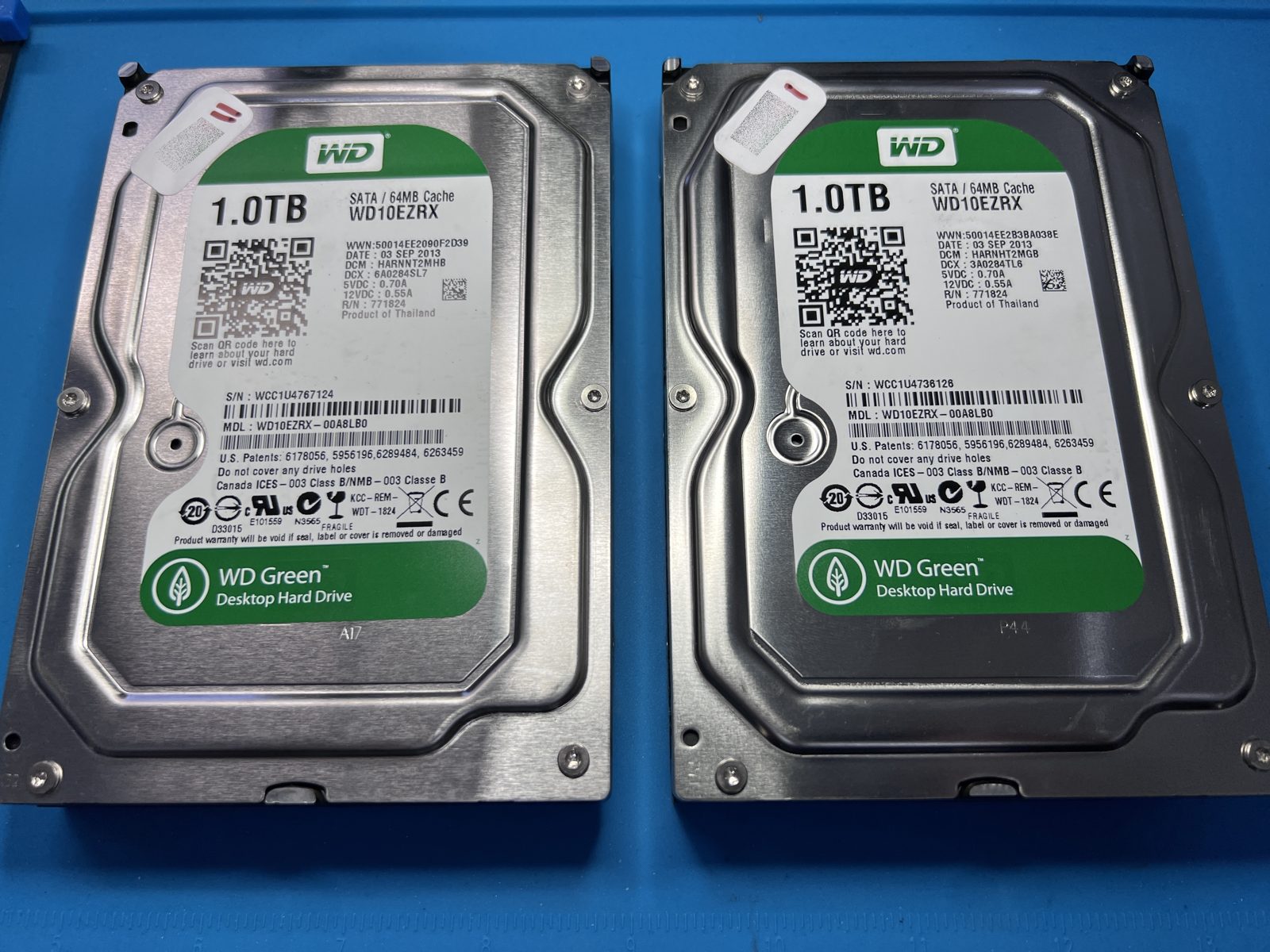
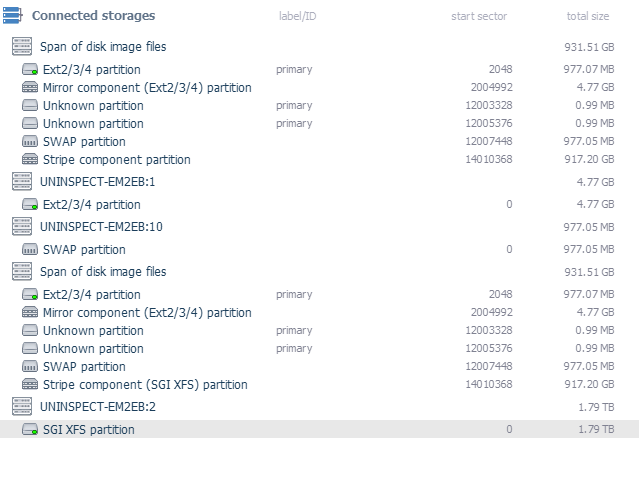
That’s the first thing we check and the first thing that was wrong. Buffalo’s default on these units is a stripe, so the two 1 TB WD Green WD10EZRX drives were holding half the data each, with a 1.79 TB XFS volume spread across them. Lose one and you lose everything — which is why a two-drive NAS job here is always both drives, never “just the bad one”.
On the bench
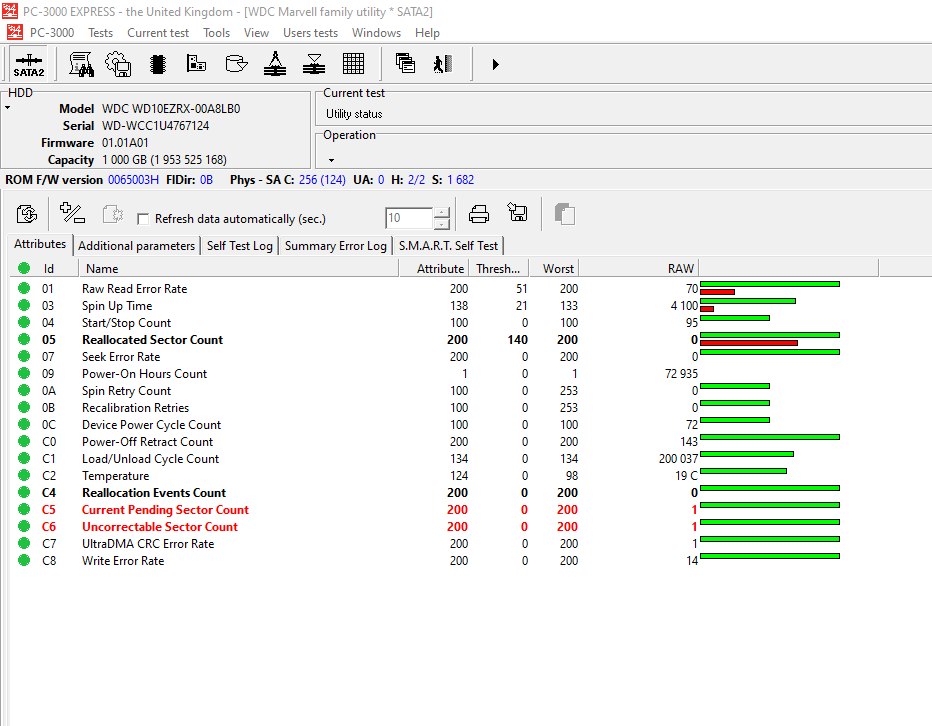
Both drives read cleanly through PC-3000: ROM and service area intact, two heads each, no mechanical fault. SMART told the real story — nearly 73,000 power-on hours on each drive, eight years of continuous running, and one of them had started to develop a pending sector. The NAS itself was the failure; the drives were simply old, and the data on them was still there.
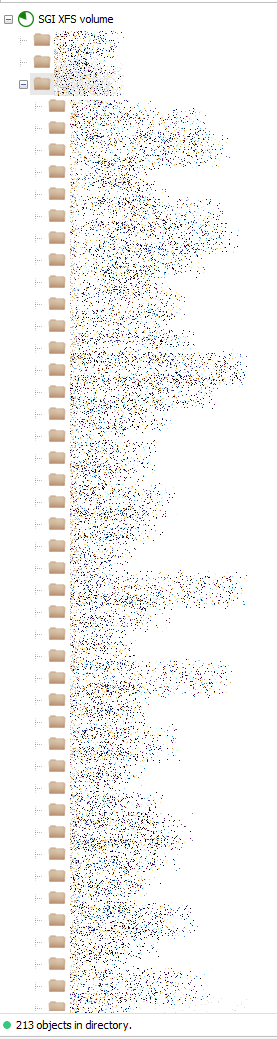
We imaged both drives and rebuilt the stripe from the images rather than from the originals. The XFS volume came up with its 213 top-level folders intact.
What came back
The customer’s share directory came back 100%. Before anyone paid, we sent fifteen screenshots of randomly opened files — a reasonable ask after being told “it’s all there” by someone else once before. In the lab on the Wednesday, recovered on the Thursday, on its way back the following week on a new drive.
Buffalo LS-WXL · 2 × WD10EZRX 1 TB · RAID 0 · XFS · PC-3000 Data Extractor
Is a Buffalo LinkStation RAID 1 by default?
Not on the two-bay LS-WXL — out of the box it is configured as RAID 0 (striped) for maximum capacity. Unless someone deliberately changed it to RAID 1, both drives are needed to recover anything.
My NAS won’t power up — is the data gone?
Usually not. The enclosure and the drives fail independently, and a dead box with healthy drives is one of the better outcomes. The drives are imaged and the array rebuilt from the images; the NAS itself never needs to work again.