A 500 GB WD My Passport Ultra came in from a trade customer in Scotland, booked simply as “can’t access files”. Their end customer had hit the drive’s unlock prompt and could not get past it, however many times they tried, and the online guides had got them nowhere.
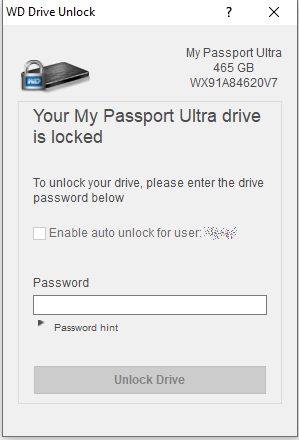
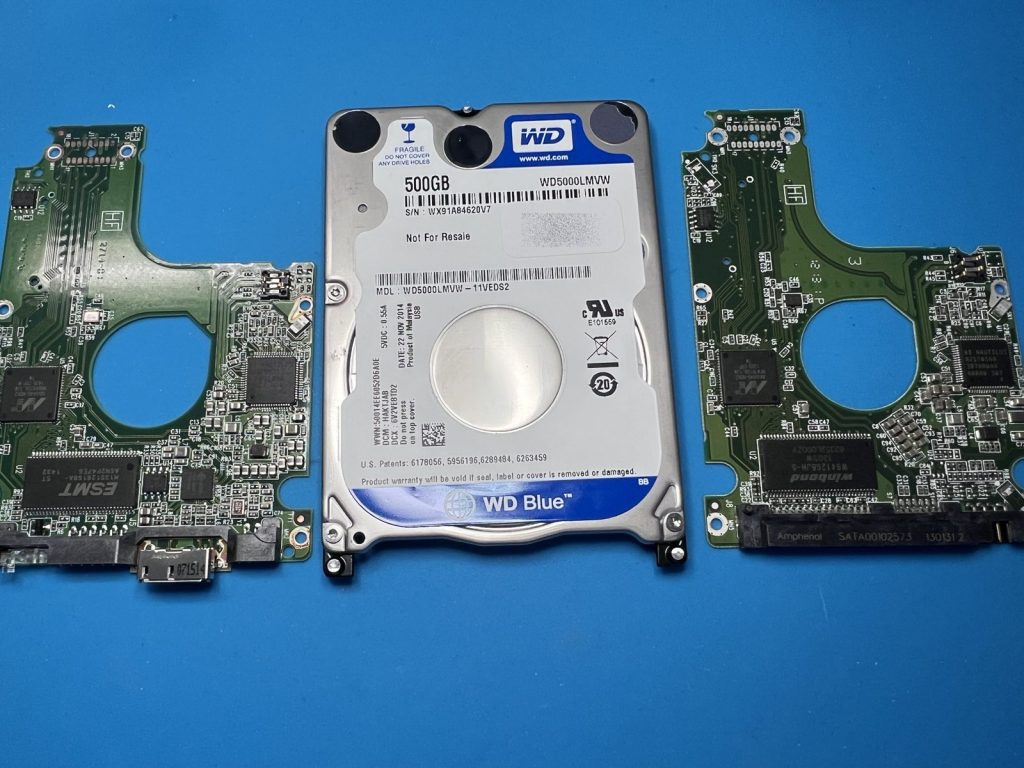
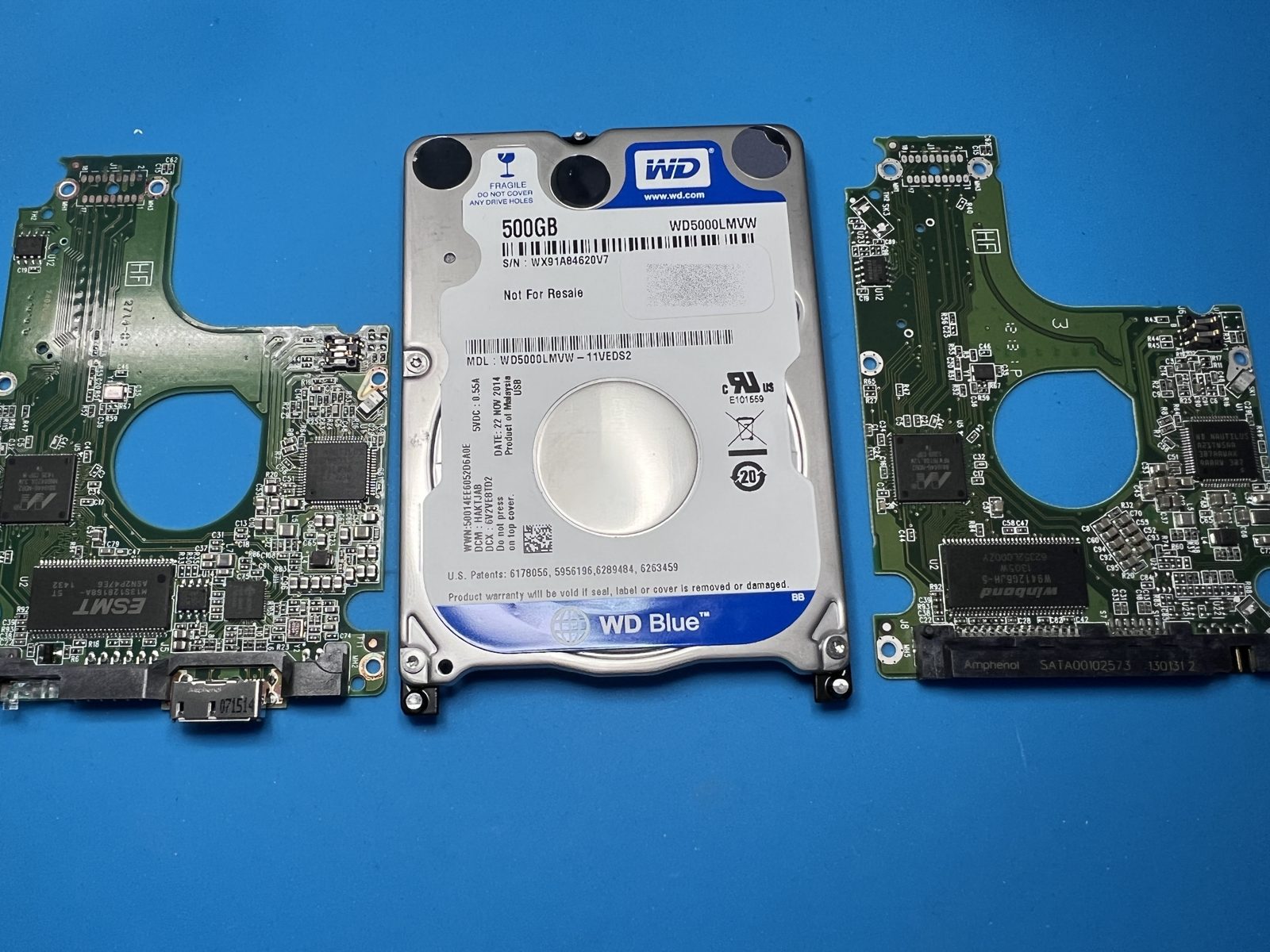
Inside the case is a WD5000LMVW-11VEDS2, a two-head WD Blue from late 2014 with the USB bridge built onto the drive’s own circuit board, so there is no SATA port to fall back on. These are self-encrypting drives: everything on the platters is scrambled with a key held in the drive itself. When a My Passport refuses to unlock, the problem is usually not the code being typed but the drive’s own firmware (the service area) having become corrupted, so it can no longer tell a right answer from a wrong one.
On the bench
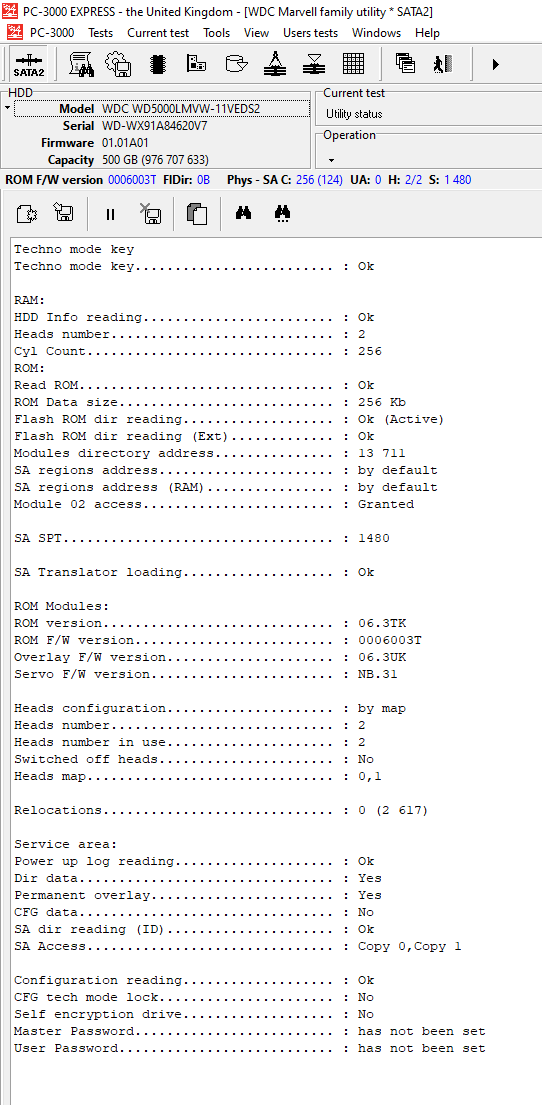
The drive was moved onto a SATA board so PC-3000 could talk to it directly rather than through the USB bridge. The ID screen gave us the lie of the land: ROM reading fine, both heads present and in use, zero relocations, translator loading. The mechanics were sound; the trouble was in the service area.
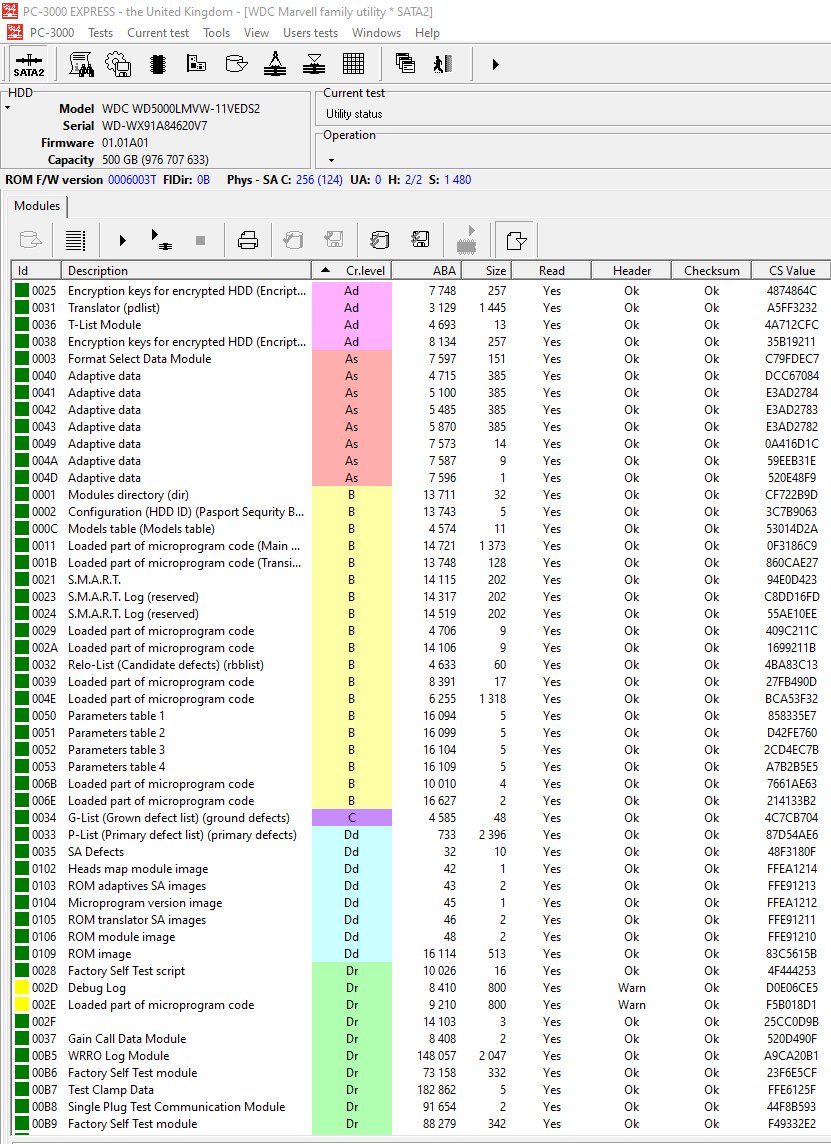
That was worked through module by module. The modules directory, translator, SMART logs and the encryption-key modules all came back readable with checksums intact. With the firmware straightened out, the lock function was deactivated and the data decrypted using the key embedded in the drive. The ID screen afterwards reads exactly as it should, with no lock set.
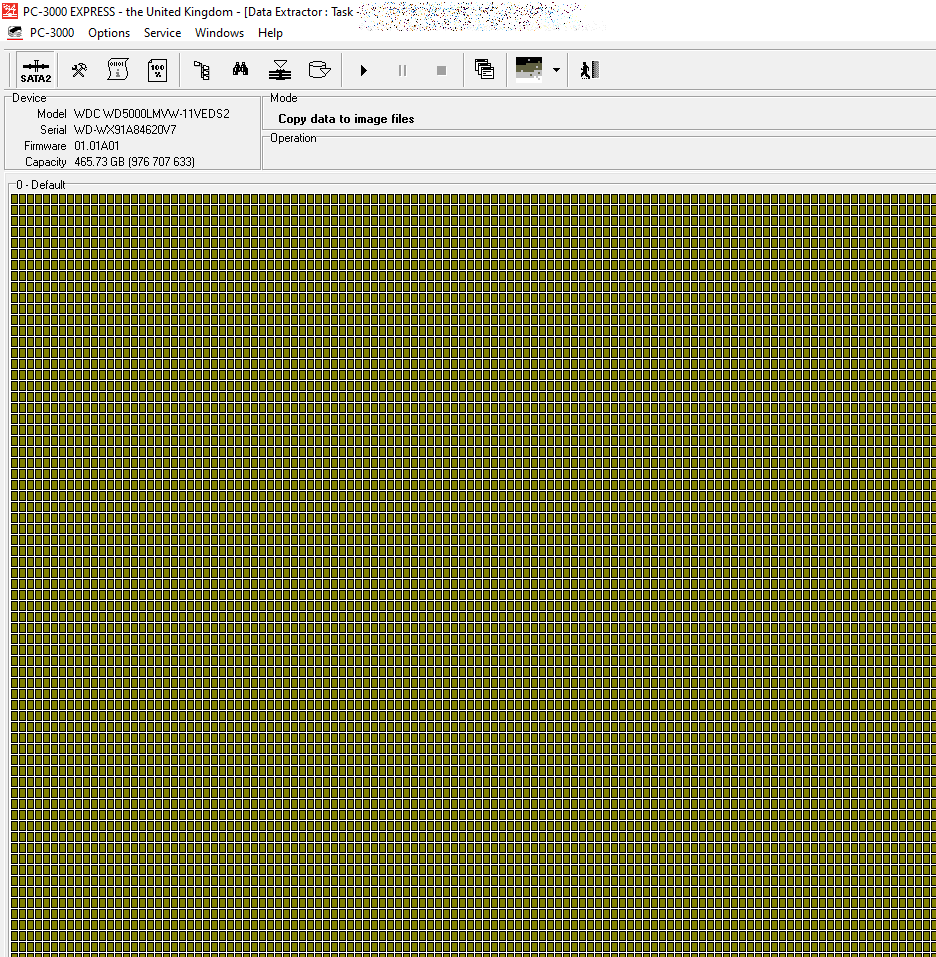
From there it was a straight image in PC-3000 Data Extractor. The sector map came up clean end to end, with no bad blocks across the full 465.73 GB.
What came back
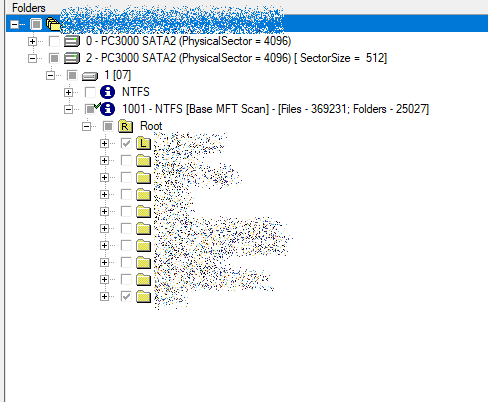
A 100% recovery of the directories in the root of the drive: 24,935 folders and 369,021 files, 301.38 GB in all, a standard NTFS volume once the drive was reading in the clear. In the lab on the Friday morning and archived the same afternoon. It went back by courier on the Monday on a new 1 TB USB 3 portable drive, next-day delivery to the shop.
WD My Passport Ultra · WD5000LMVW-11VEDS2 500 GB · locked, service-area corruption · firmware repair and decryption on PC-3000
My My Passport Ultra won’t unlock. Is the data still there?
Usually, yes. The platters are intact; it is the drive’s firmware that has stopped doing its job, and the lock-out is a symptom rather than the fault. The drive has to be made to read properly before the data can be decrypted with the key it holds, and in this case that was all it needed.
Can I just move the drive to a different board or enclosure?
No. The encryption key lives in the drive’s electronics and a stock board from another drive does not carry it. Swapping boards without transferring the right data makes the drive unreadable rather than unlocking it.