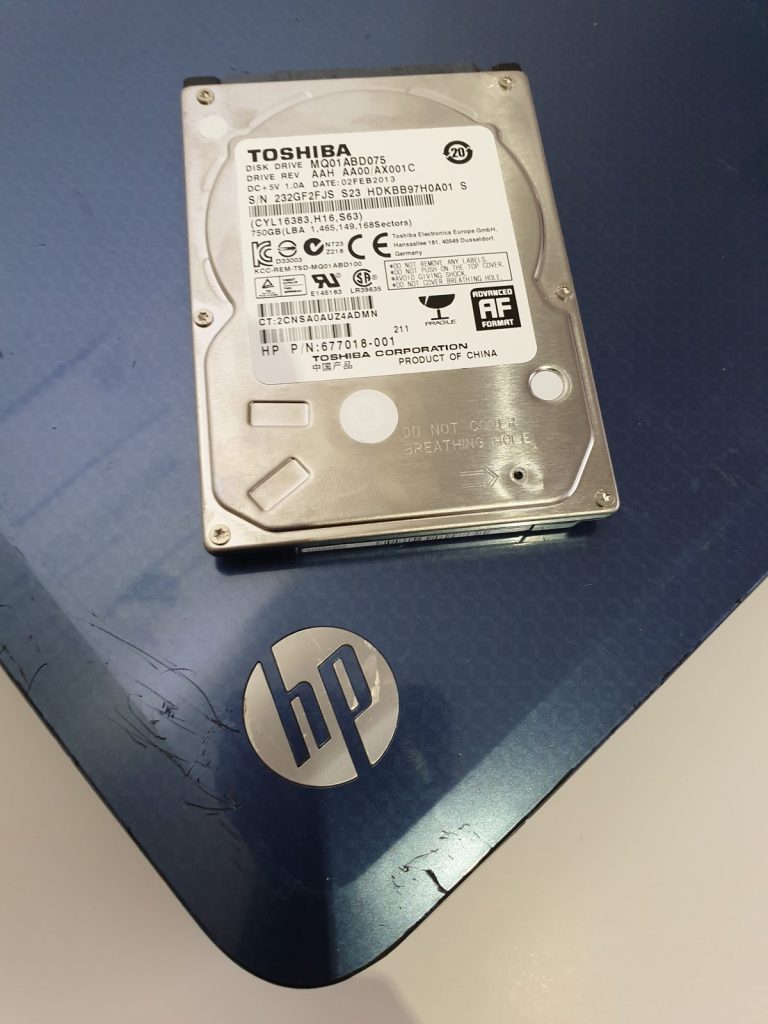
A 750 GB Toshiba pulled from an HP laptop came in from an IT support firm on the Wirral, acting for one of their clients. The drive powered up and was detected, but nothing on it made sense: no partitions and no filesystem that a normal imaging pass could get hold of. The client needed their pictures, a folder of customer files and a payroll backup off it.
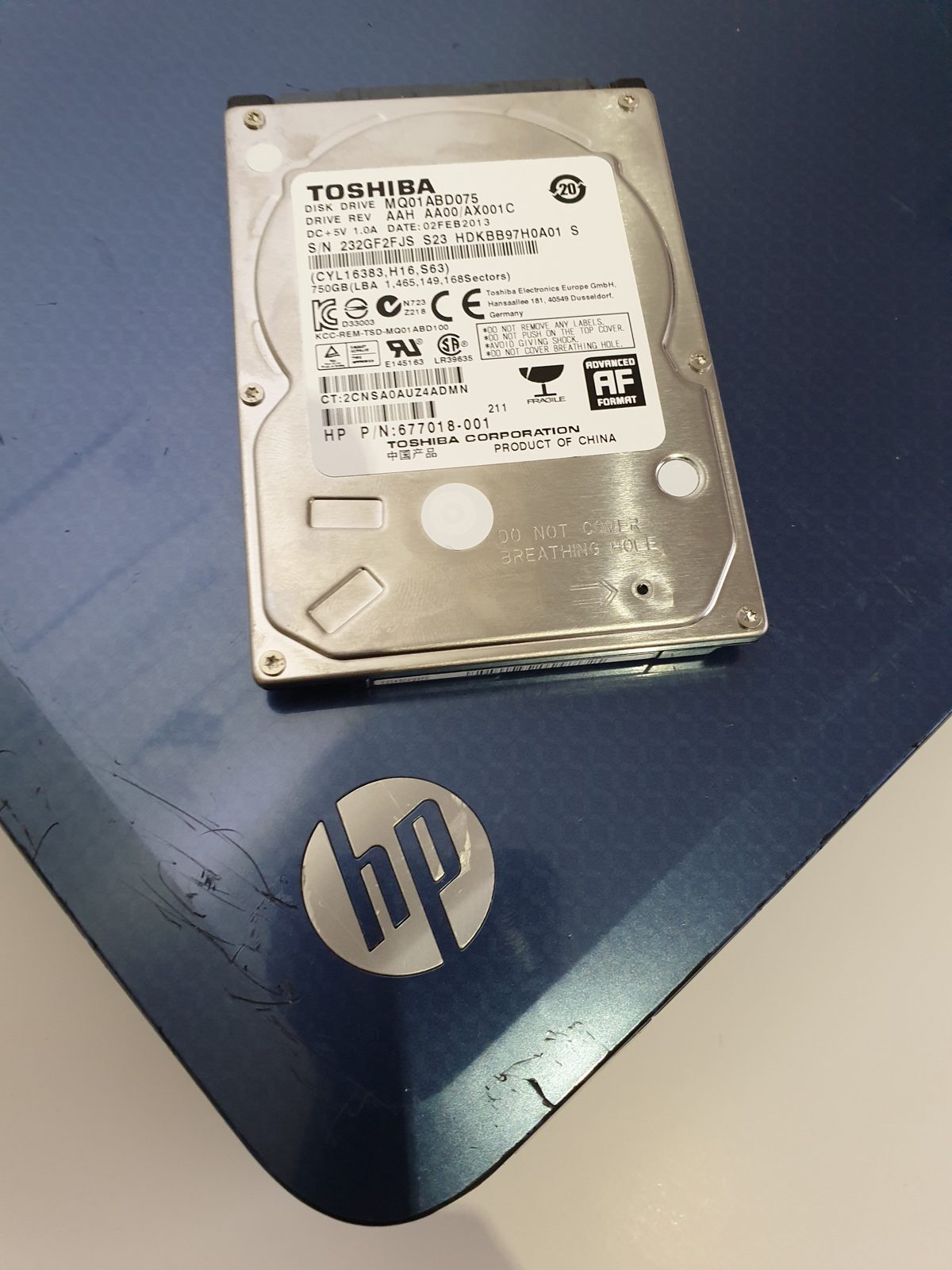
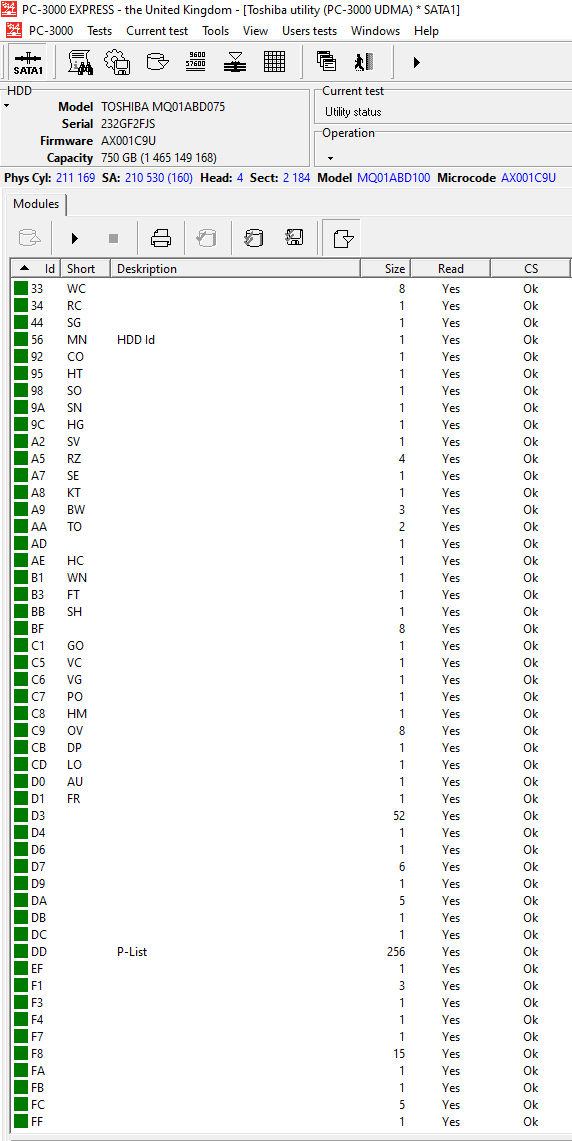
The drive is a Toshiba MQ01ABD075, a 2.5" 750 GB laptop disk. On the bench it identified cleanly through PC-3000 — model and firmware read back correctly and the service area was intact — so this was never a mechanical failure. It looked blank because it had been encrypted end to end with Symantec Drive Encryption, the whole-disk product that grew out of PGP. The first sectors carry a boot loader rather than a partition table, which is exactly why a straight read shows nothing usable.
On the bench
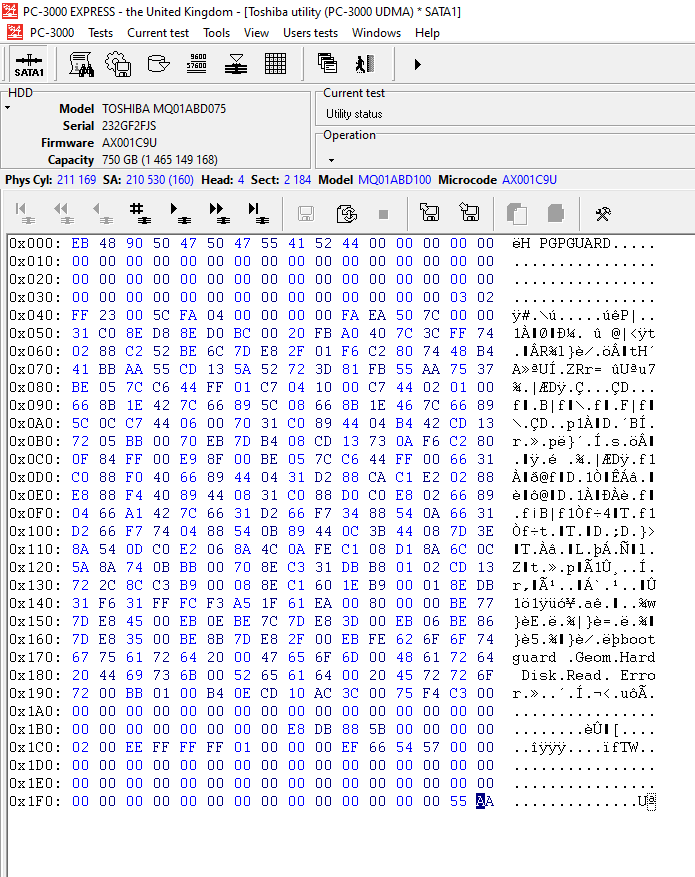
Reading the raw sectors in PC-3000 Data Extractor confirmed it: the start of the disk holds the Symantec/PGP pre-boot loader, not an NTFS boot record, and the rest reads as encrypted data. A disk in this state cannot be decrypted by us — it needs a valid credential, the same one the machine asks for at power-on — so we asked the IT firm to go back to their client for any passwords likely to have been set.
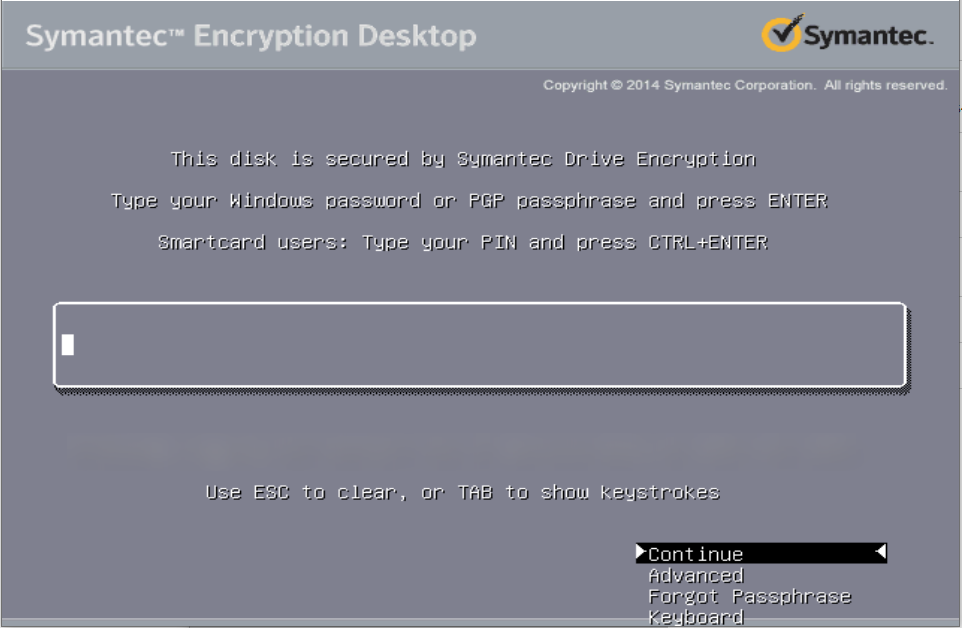
Booting the image brought up the Symantec Drive Encryption gatekeeper, the password screen the user saw every time the laptop started. We worked through the variants the client could remember, one at a time, and got in on one of them.
What came back
With the drive unlocked the NTFS volume mounted and the file tree came straight up. We recovered 100% of the Users directory — where all the Windows user accounts and their pictures live — and 100% of the folders the client had specifically asked for, including the customer files and the payroll backup. The data was put onto a loaner drive the customer could collect, use and return once they had copied it off.
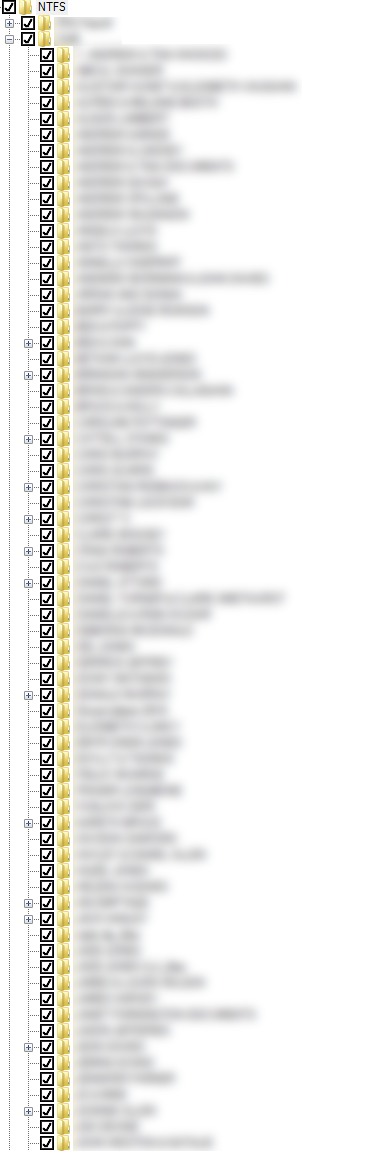
Toshiba MQ01ABD075 · 750 GB laptop drive · Symantec (PGP) whole-disk encryption, no mechanical fault · imaged and unlocked with PC-3000
My laptop says "This disk is secured by Symantec Drive Encryption" and won’t let me in — is the data gone?
Not necessarily. If the drive is healthy, the data is still there intact behind the encryption; the obstacle is the credential, not the disk. With a correct password or passphrase the volume mounts normally, so it is worth gathering every password the user might have set before anything else.
Can you recover an encrypted drive without the password?
No — on properly implemented whole-disk encryption the data only comes back once a valid credential is supplied. We image the drive and handle the mechanics, but that part the customer has to help with. On this job the client remembered enough for us to get in.