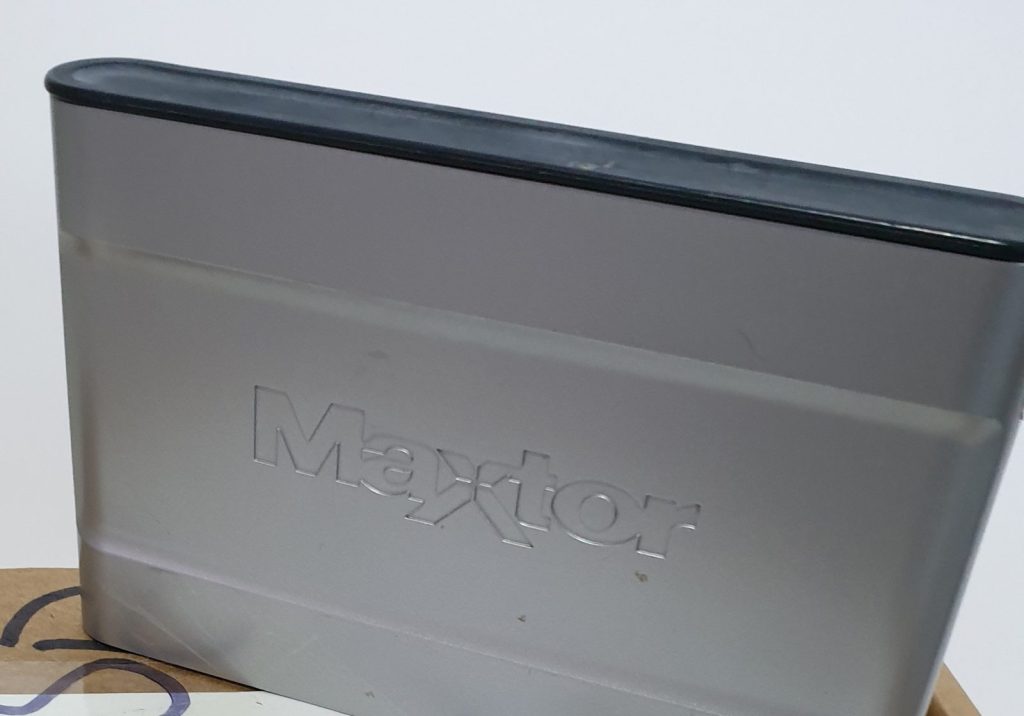
A Maxtor OneTouch III Mini came in from a retail customer in Glasgow. The laptop stopped seeing it, a second laptop did the same, and it had already been to another company, who called it file corruption rather than a mechanical fault, quoted 95% of the data and priced the job out of reach. She only wanted the photographs back — the music library could go.
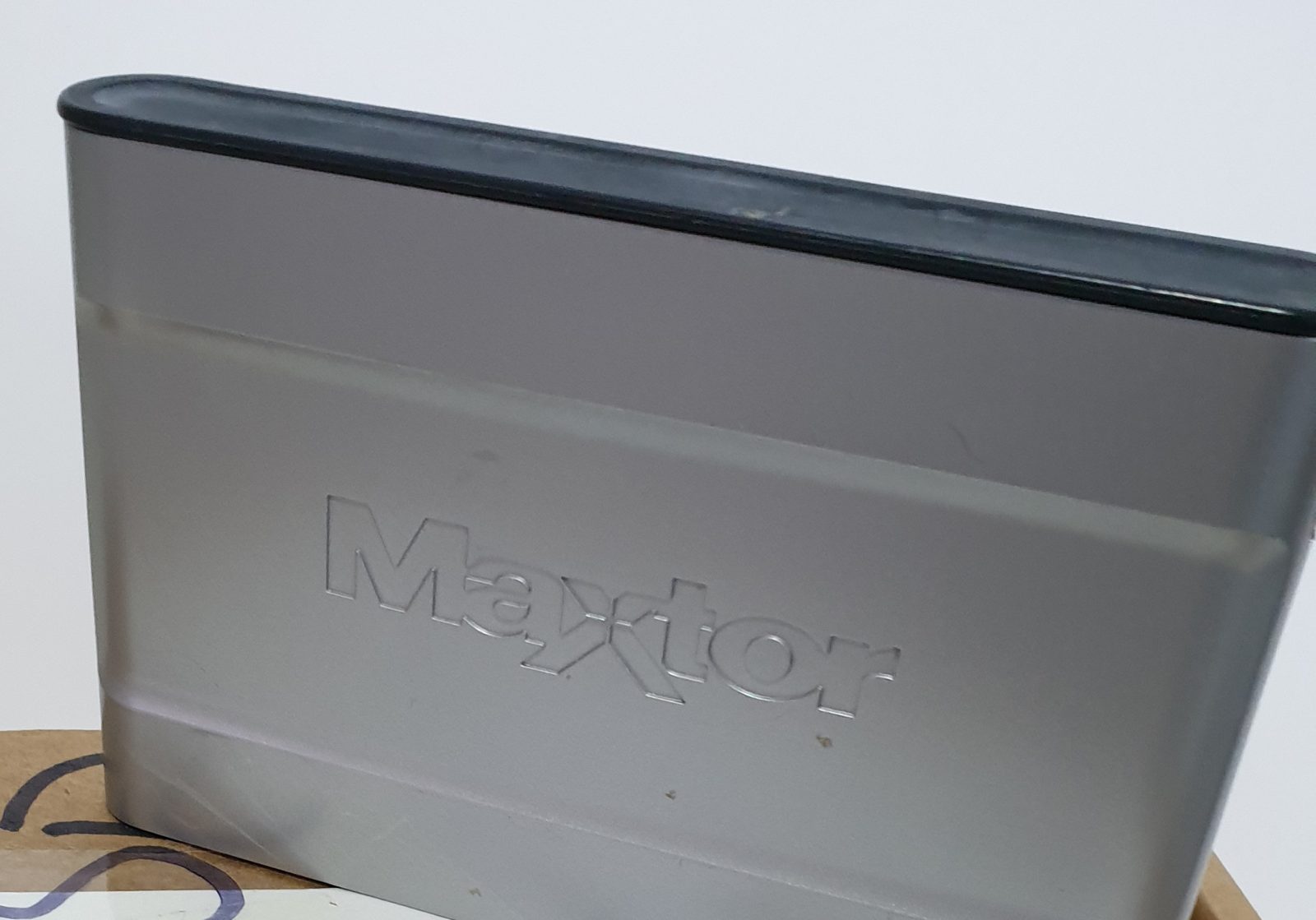
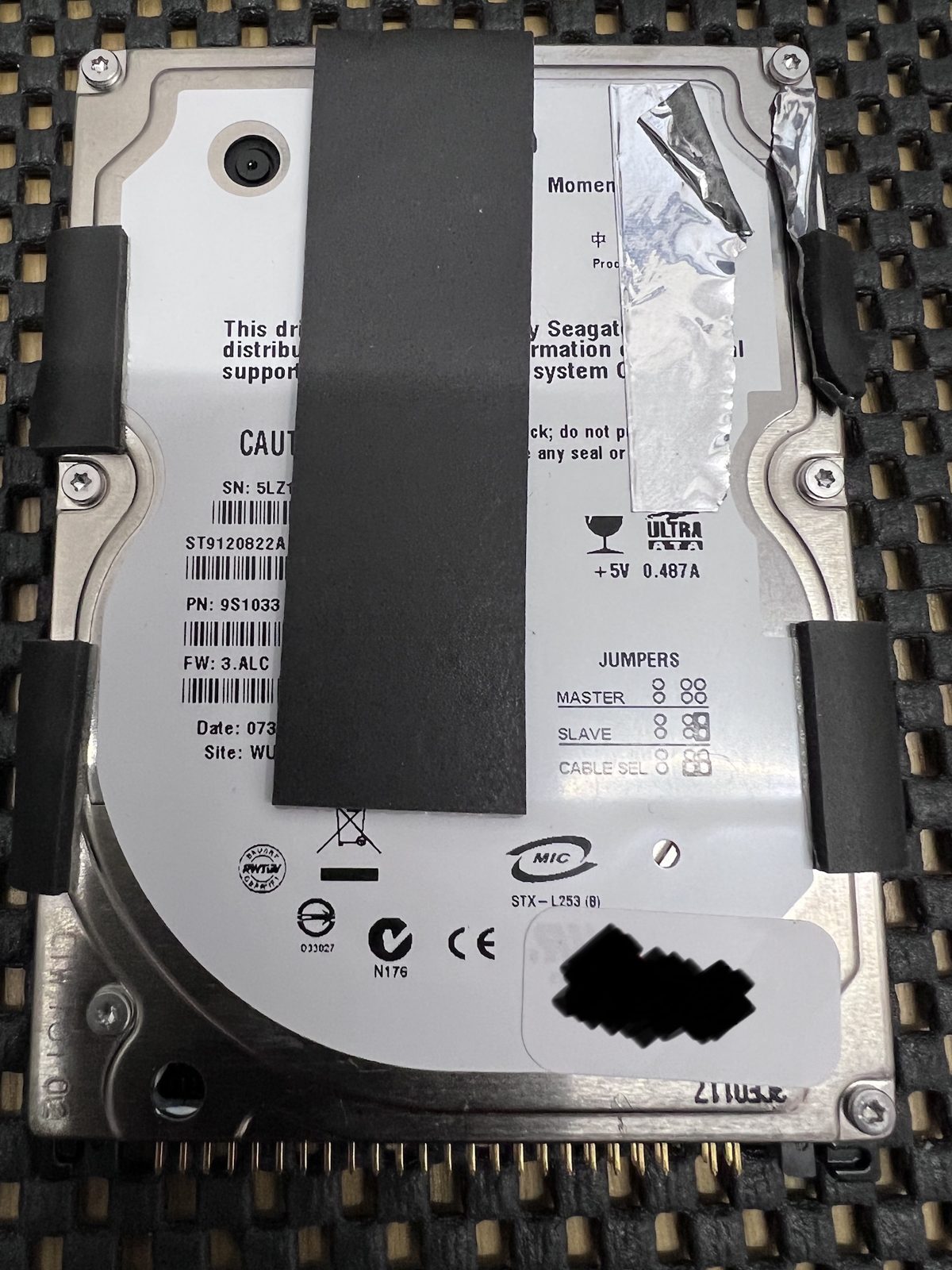
Inside the Maxtor shell is a Seagate Momentus ST9120822A, a 120 GB 2.5-inch PATA drive. It was not file corruption: the drive was suffering with bad sectors. The NTFS volume underneath was still there.
On the bench
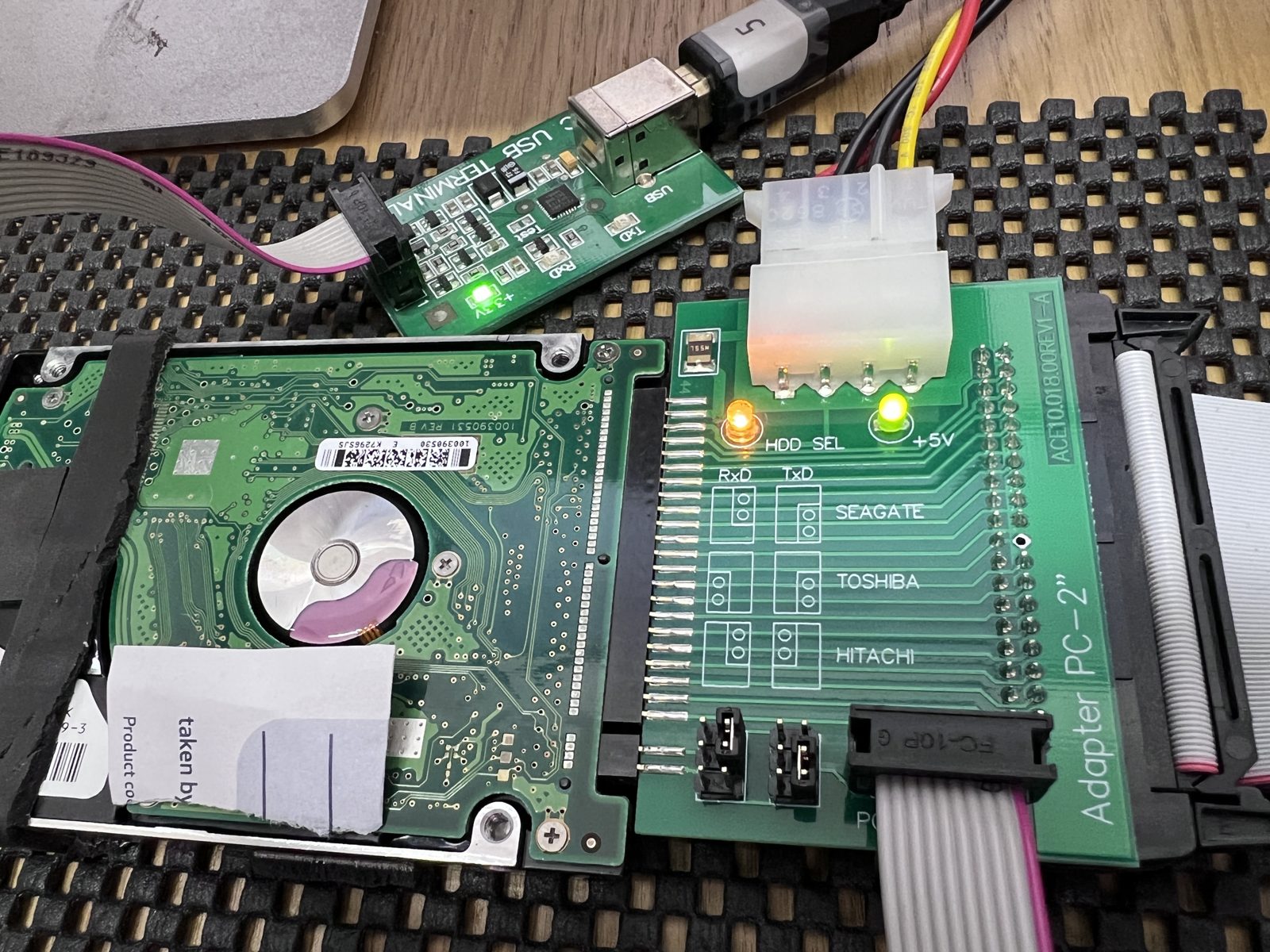
Out of the enclosure and onto the PATA port of the PC-3000, the drive identified correctly — firmware 3.ALC, full 120 GB reported — and the NTFS boot sector read first time. The enclosure is only a USB bridge; the work happens on the bare drive.
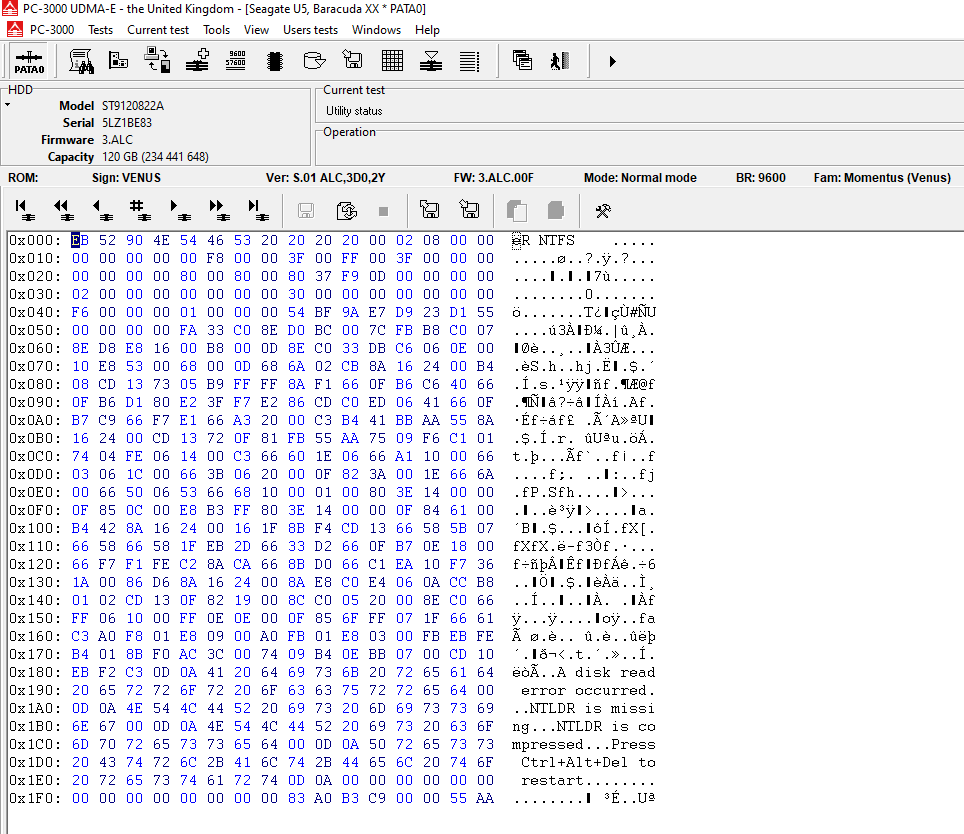
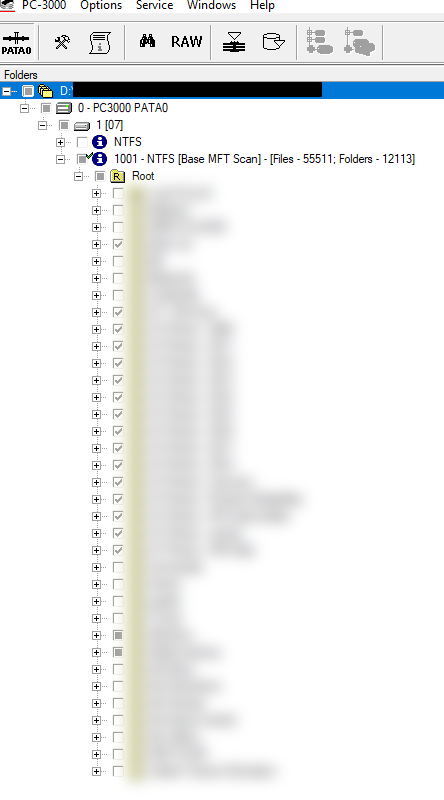
We imaged it through PC-3000 Data Extractor rather than reading files off it directly, so the bad areas were handled once. From the image the NTFS volume was scanned and the root directory tree brought up. All music folders were deselected before extraction, and the customer was sent a screenshot of the selected root directories before anything was extracted.
What came back
A 99.48% recovery of the selected directories: 942 folders and 12,710 files, 19.99 GB in all. Of those, 12,644 were clean and 66 were problem files that could not have every sector read; those were separated out and supplied alongside the good data, as they will often still open. In the lab on the Monday, recovered the same day, returned on a small USB drive together with the original.
Maxtor OneTouch III Mini · Seagate ST9120822A 120 GB PATA · bad sectors · PC-3000 Data Extractor image, selective extraction
Another company said it was “file corruption” — was it?
Not here. The filesystem was intact; the drive had developed bad sectors that stopped the laptop reading it. Such a drive should be imaged with hardware that can work around them, not scanned repeatedly with software.
Can you recover just my photos and leave the rest?
Yes. Once the drive is imaged we bring up the folder tree and deselect anything you do not want. Here the music library was left out, keeping the recovered set under 20 GB.