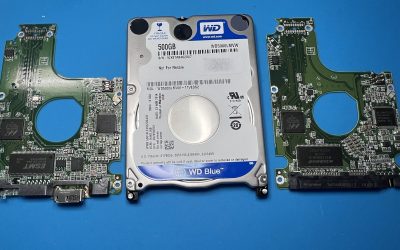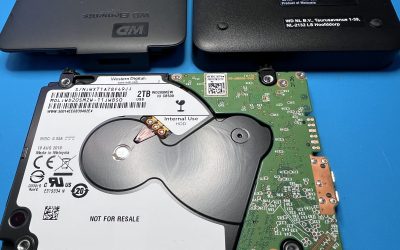

A customer dropped their external drive onto the floor. When they plugged it back into the computer, all it did was click. Inside the enclosure was a 500 GB Western Digital Caviar SE, model WD5000AAJS-22YFA0, from WD’s Tornado 2R family.
Once the drive was in the lab, it was immediately clear what the problem was.


On the bench
The head stack assembly had stopped working properly. Apart from that there was no other physical damage to the drive, so we were confident enough to carry on. The damaged head stack came out and a new one went in.

New heads on their own were not the end of it. We then made firmware adjustments in the service area (SA), the drive’s own operating system. That stabilised the drive enough to take a good sector-by-sector image of it, and all the recovery work was done from that image rather than the drive itself.


What came back
A 100% recovery.
Western Digital Caviar SE 500 GB · WD5000AAJS-22YFA0 (Tornado 2R family) · dropped, clicking, failed head stack · head stack replacement, SA firmware adjustment, sector-by-sector imaging
My drive started clicking after a drop. Should I keep trying it?
No. A rhythmic click after a knock usually means the heads can no longer read the platters, and the drive keeps retrying. Every power-up is another chance for damaged heads to mark the surface the data lives on. Unplug it and leave it unplugged until it can be looked at properly.
Is a new head stack always enough to get the data back?
Not always. Replacing the heads is often only the first step: the drive may still need firmware work before it will read steadily enough to image. And if the platters have been damaged as well as the heads, what comes back depends on how much of the surface is still readable. That is why the drive is assessed before anything is promised.