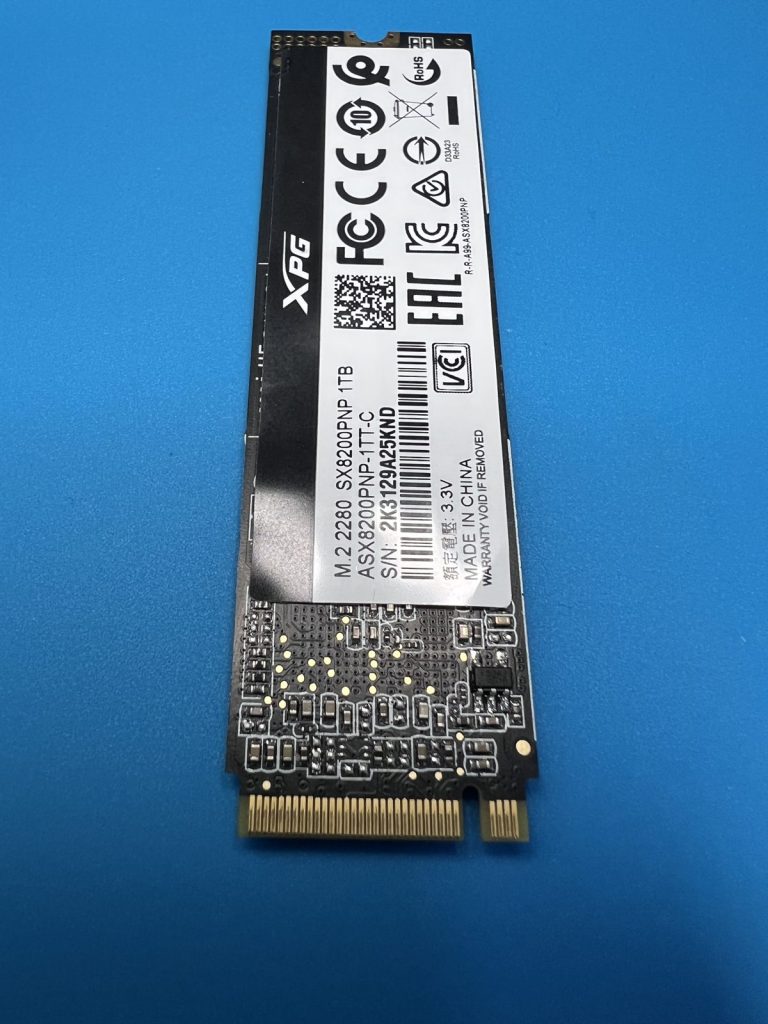
An NVMe SSD pulled from a Dell laptop arrived from a Glasgow business, referred to us by a trade partner. The customer thought it was a half-terabyte drive about 40% full; what turned up was a 1 TB XPG SX8200 Pro (SX8200PNP, M.2 2280). The files that mattered were the office documents — Word, Excel, PDFs — and the pictures.
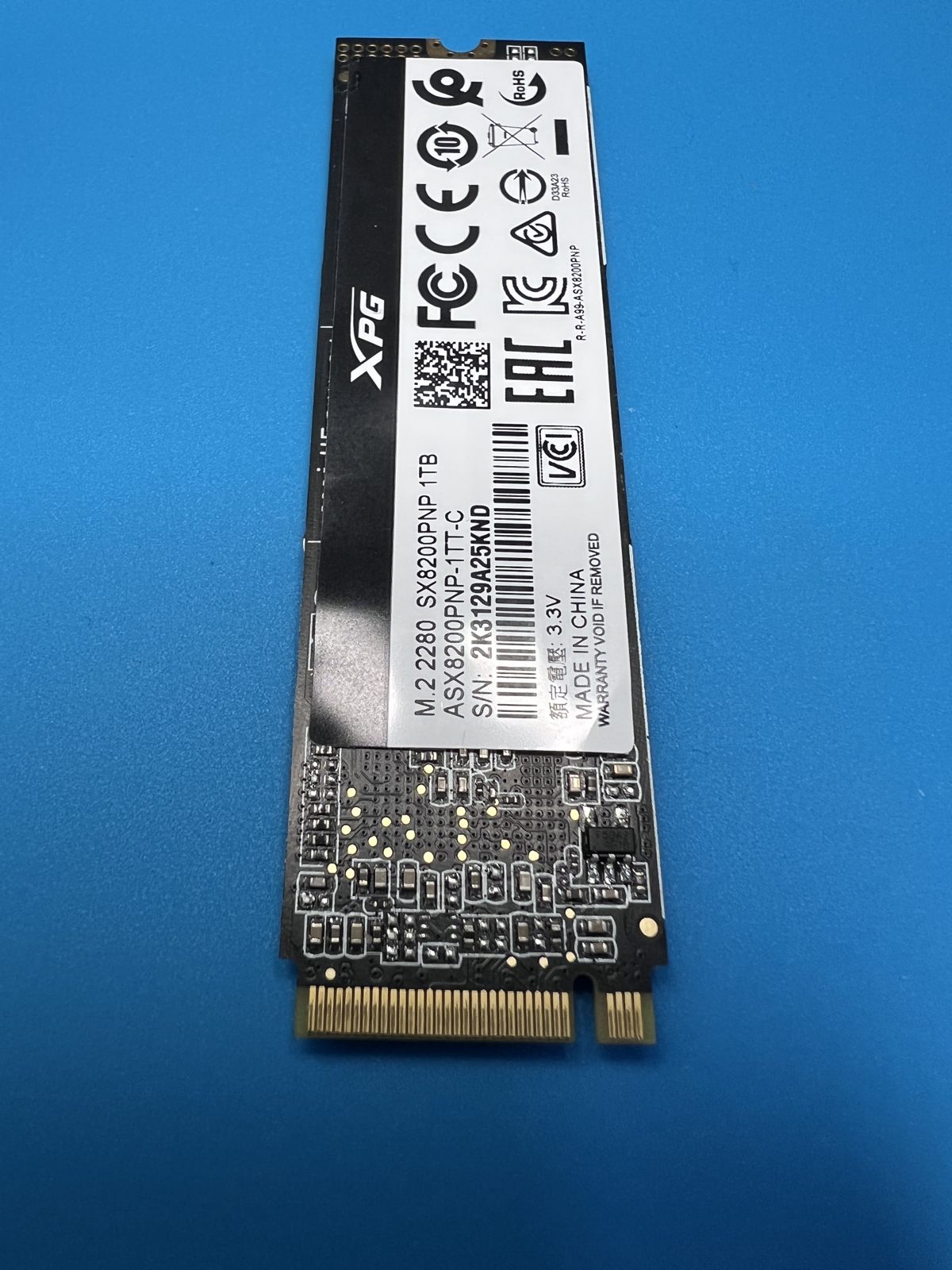
The drive had taken liquid damage. On the bench it ran incredibly hot and was very unstable. With an M.2 NVMe stick there is no mechanical fault to fix; the job is to get as much as possible off it before the controller gives up for good.
On the bench
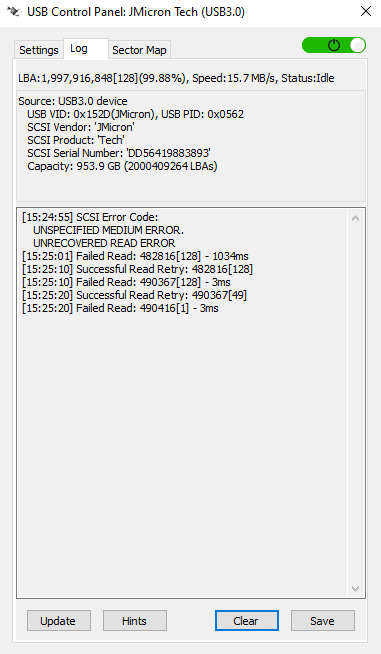
We asked up front which data the customer could not do without: the Desktop, Documents and Pictures folders of their user account. The SSD was presented to PC-3000 Data Extractor through a USB bridge, with a DeepSpar USB Stabilizer sitting between the two. The stabiliser is there for exactly this kind of patient: it presents the drive to PC-3000 as 953.87 GB and takes the hits when the drive misbehaves — its log shows unrecovered read errors, failed reads retried, and many coming back on the second attempt, rather than the whole session hanging.
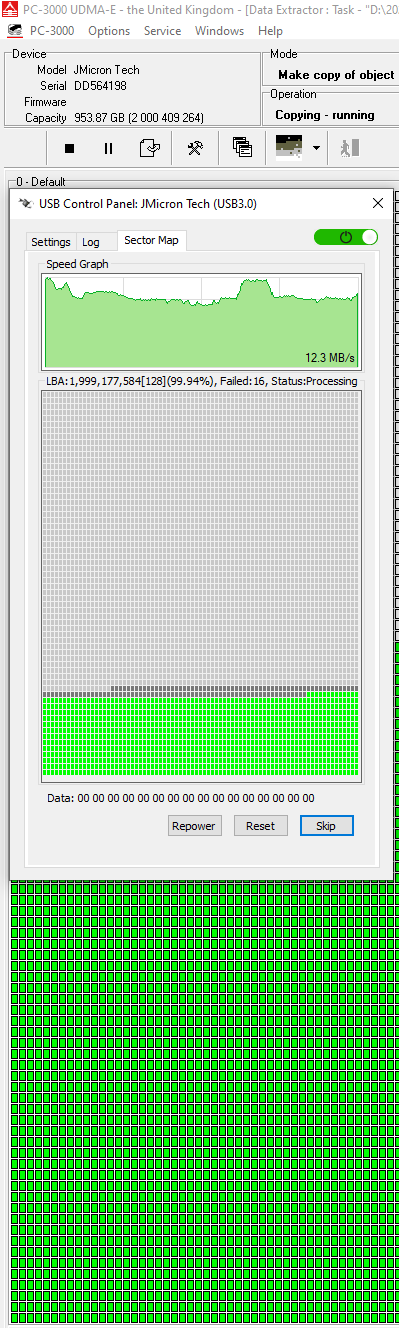
Rather than image the whole 1 TB end to end and hope the drive lasted, we targeted the important folders first, then widened out to the rest of the Users directory once that material was safe. The sector map in Data Extractor shows the copy well past the 99% mark with only a handful of sectors refusing to read.
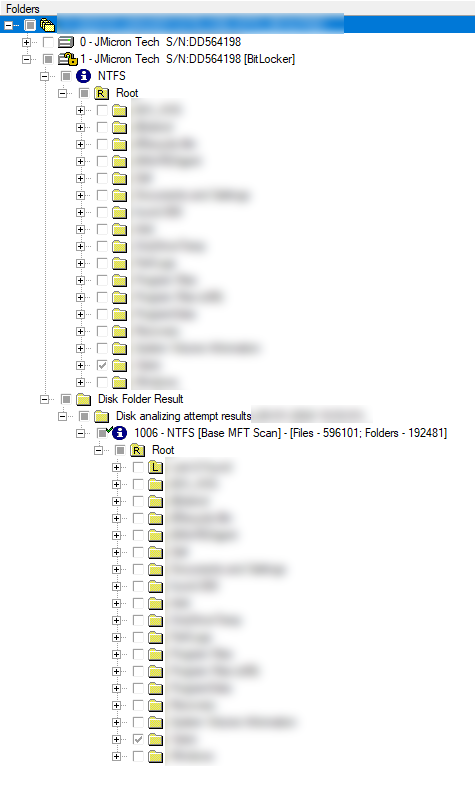
The NTFS volume came up with its folder structure intact, and an MFT scan of the volume lined up with the live folder tree.
What came back
A 99.99% recovery of the Users directory: 19,673 folders and 150,598 files (263.60 GB), with 11 problem files (171.20 MB) that could not have every sector read. Those were separated out and supplied too; they often still open. In the lab on the Tuesday, recovered on the Thursday, collected by courier the following Tuesday on a new 1 TB USB 3 portable drive.
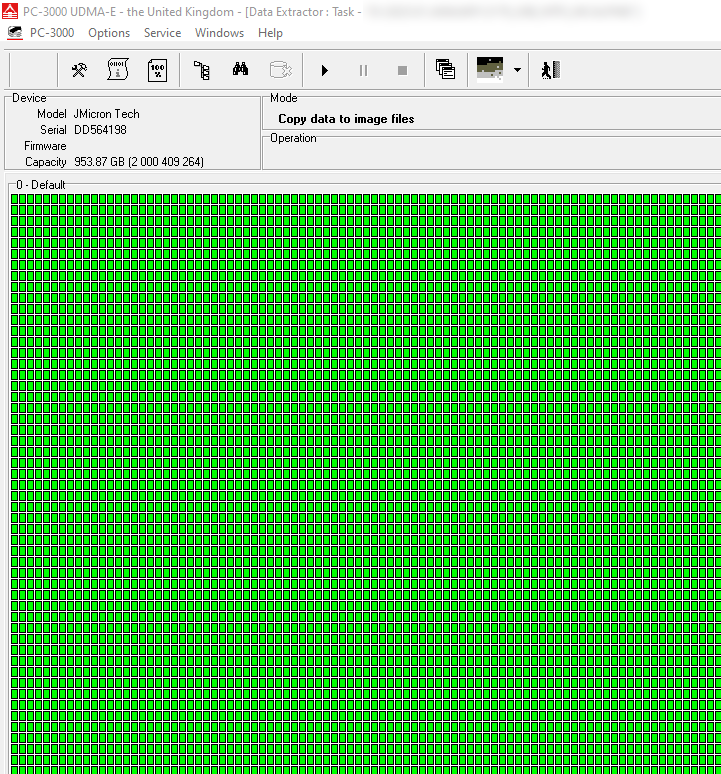
XPG SX8200 Pro SX8200PNP · 1 TB M.2 NVMe · liquid damage, overheating, unstable · PC-3000 Data Extractor with DeepSpar USB Stabilizer, targeted extraction
Can you recover the programs as well as the files?
No. This customer asked us to lift Microsoft Office off the old drive as well, and we could not. A recovery returns user data — documents, pictures, the contents of the user accounts. Installed programs are tied to the Windows installation they were set up on; they have to be reinstalled, then the recovered data put back.
My SSD runs very hot and keeps disappearing — is the data gone?
Not necessarily. A liquid-damaged SSD can still read, just not for long at a time, and not every sector on every pass. Stop using it: every heat cycle is another chance for the controller to fail outright. Tell us which folders matter most and we will go for those first.