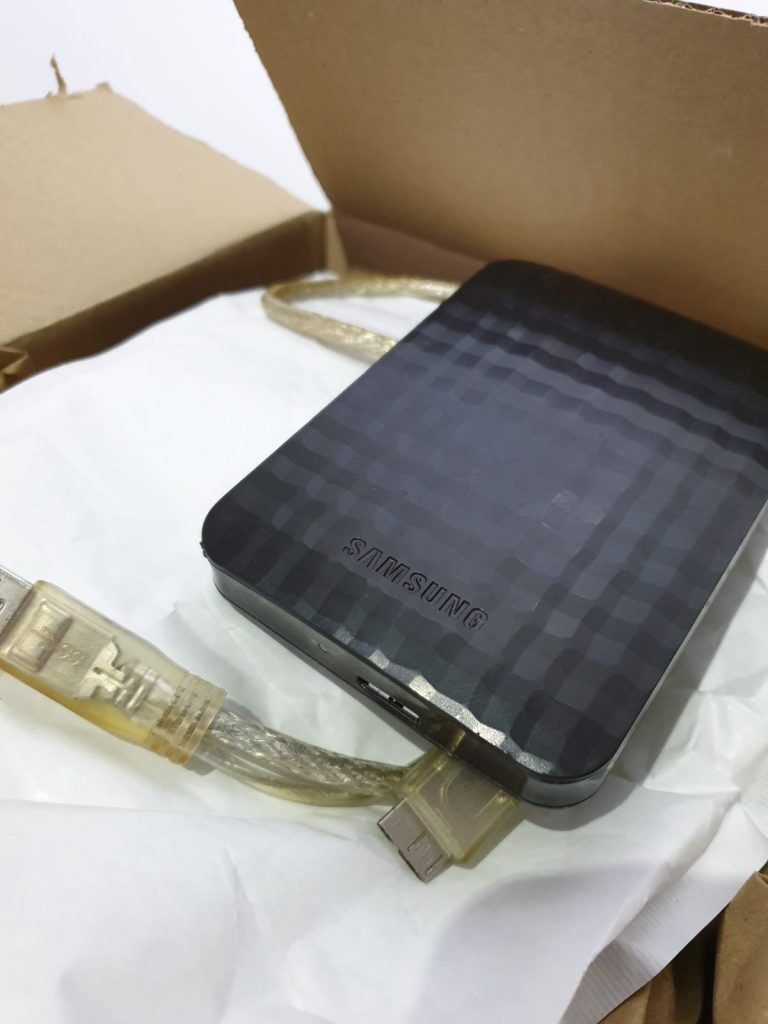
A Samsung M3 1 TB portable drive came in from an IT support firm in Glasgow, on behalf of a family. It had power but did not show up on any computer. The family wanted the photographs; some of the people in them are no longer around.
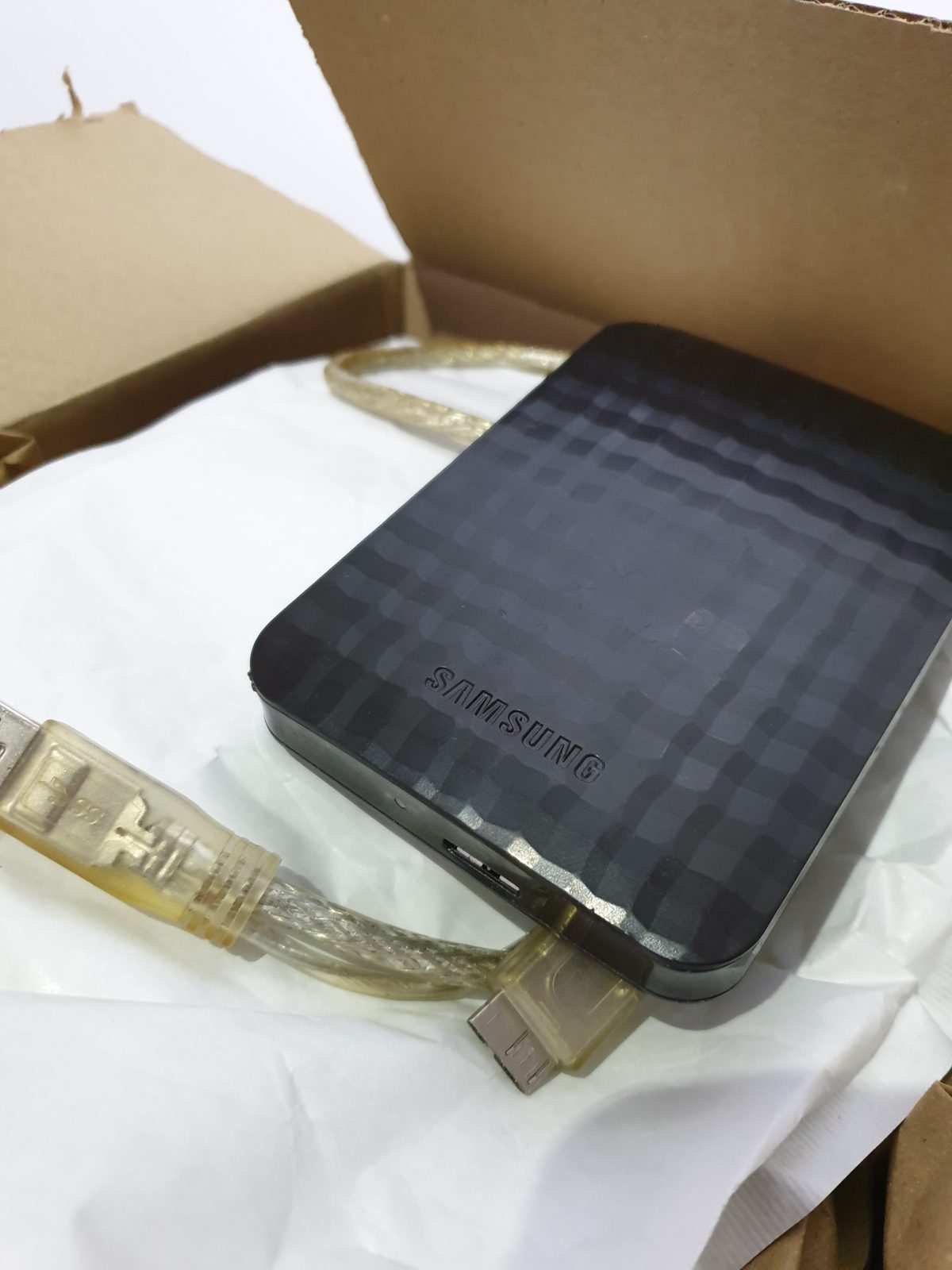
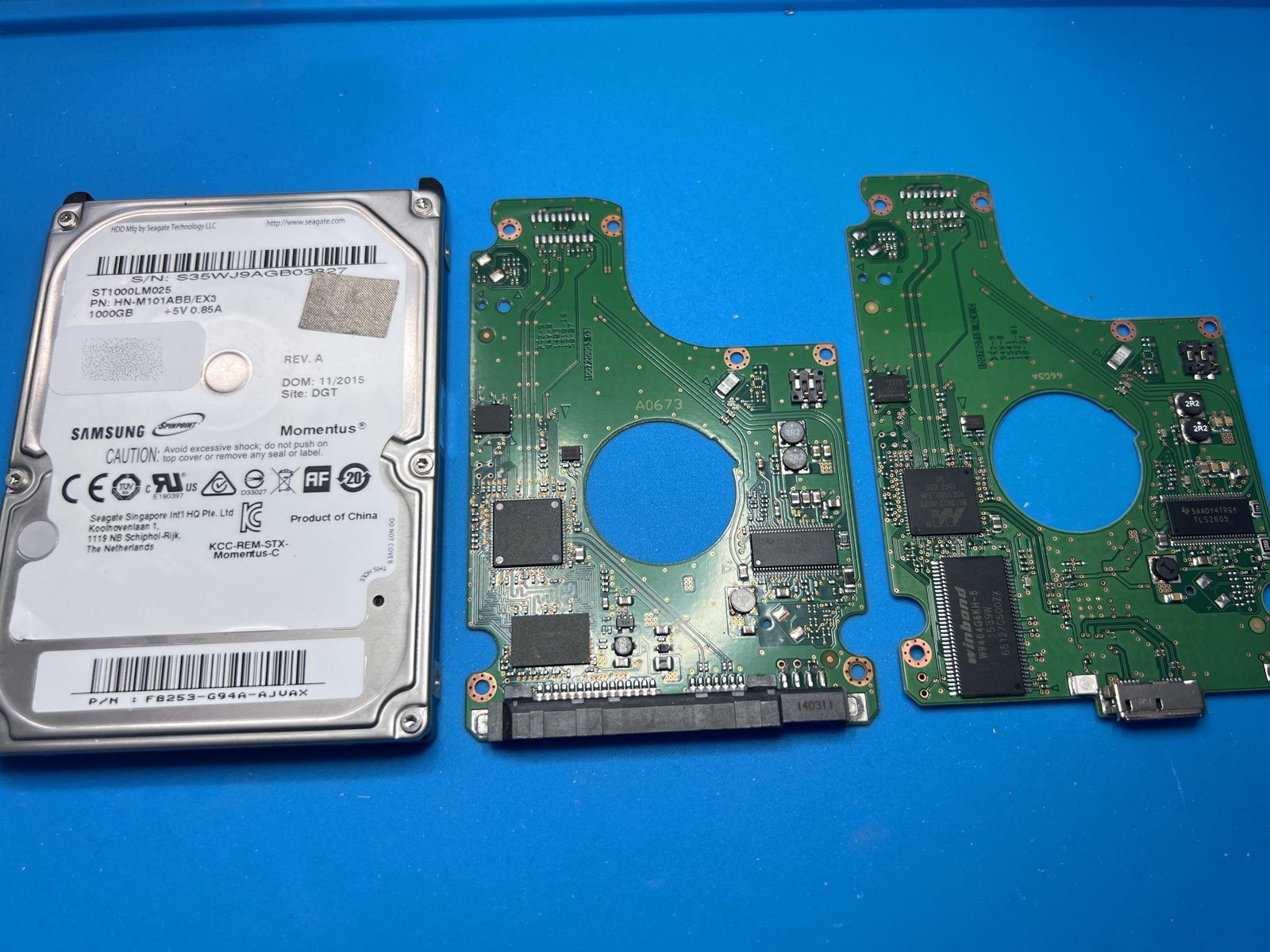
Inside the M3 case is a Samsung ST1000LM025 (HN-M101ABB), four heads, USB 3 port built onto the drive’s own circuit board. It had more than one problem. The physical faults were dealt with first, leaving a drive that would read, stop, and read again — far too unstable to rush.
On the bench
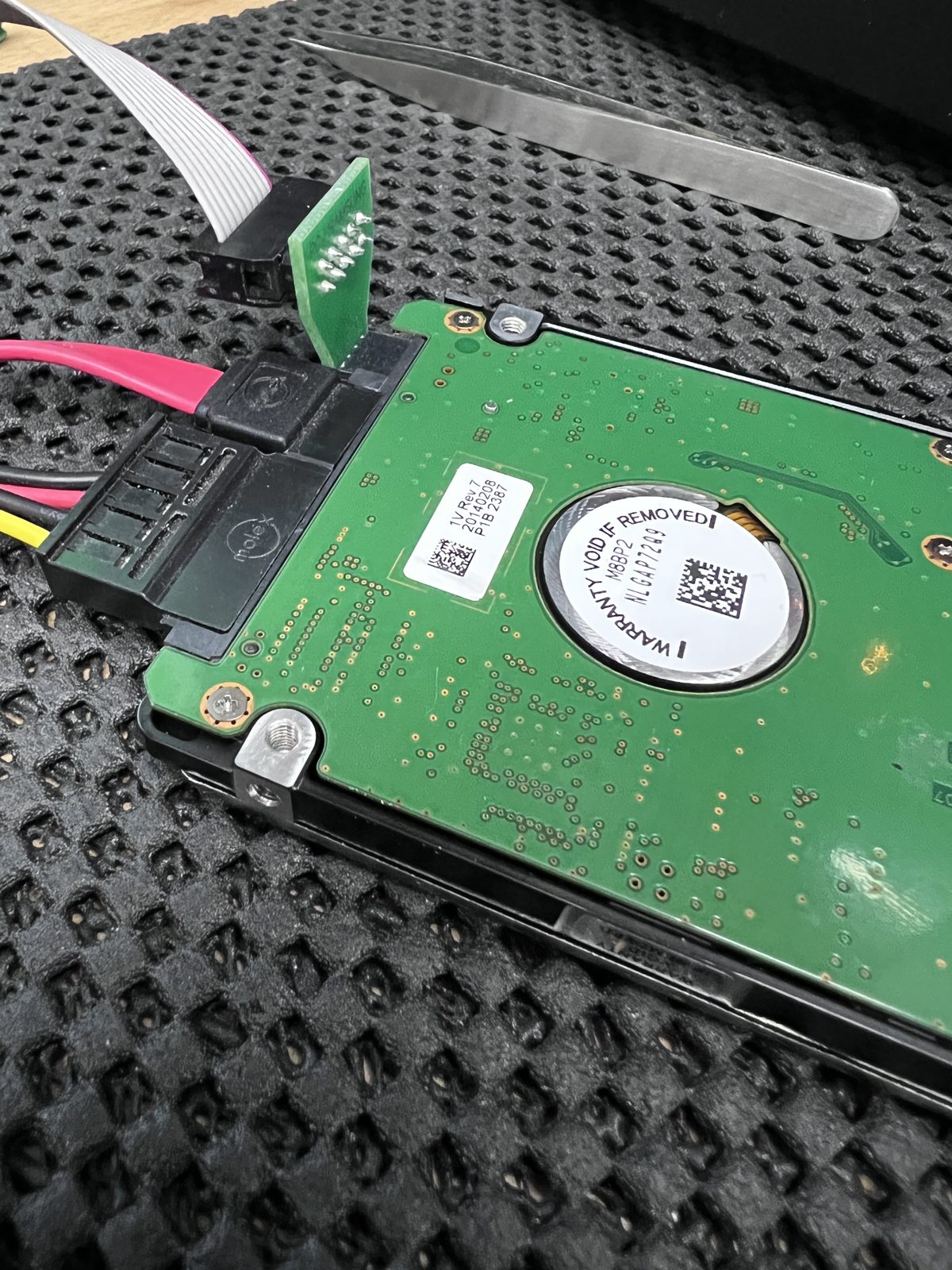
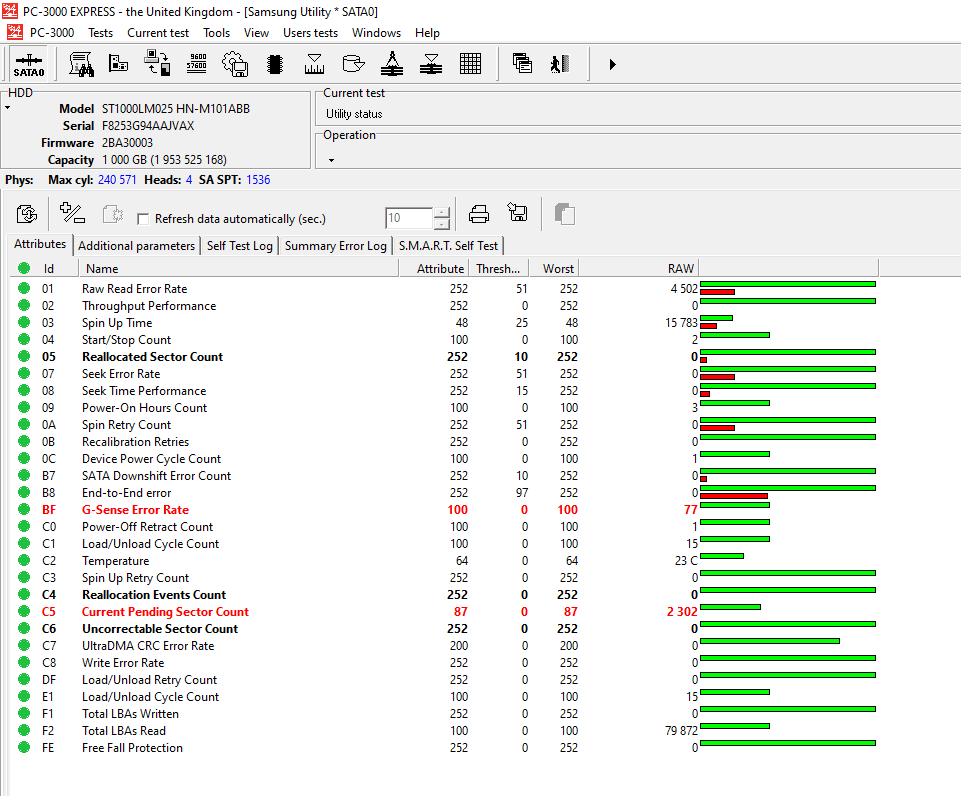
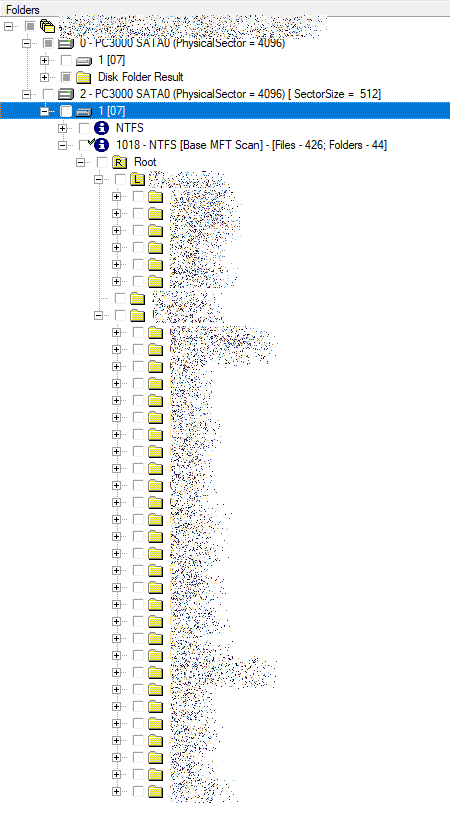
We moved the drive onto a SATA board so it could be controlled through PC-3000. SMART showed 2,302 pending sectors and 77 logged shock events. The real problem was where the bad areas sat: the NTFS master file table — the index that says which file lives where — was unreadable, so we could not target just the files. The only option was to image the whole drive, slowly, with no safe way to speed it up; we reached 97.66% of its sectors. A scan for surviving MFT records found only 426 files and 44 folders; the rest of the structure was rebuilt by hand.
What came back
Three result sets, because on a destroyed file system no single method gets everything: a manually reconstructed folder structure of 36,638 files (145 GB), a raw recovery of 75,858 files (245 GB), and a second raw pass with a different algorithm that did best on photographs and documents — 105,718 files, 393 GB. In on a Monday, finished the Friday of the following week, back by UPS on a new 1 TB USB 3 drive.
Samsung M3 Portable · ST1000LM025 (HN-M101ABB) 1 TB · unstable media, MFT unreadable · full-drive image, manual file system reconstruction · PC-3000 Data Extractor
Why did a 1 TB drive take two weeks?
With the file index unreadable we had to image every sector, not just the files, and an unstable drive sets its own pace. With the MFT intact it would likely have been a couple of days.
What is “raw” recovery and why three sets?
Raw recovery finds files by their content rather than the index: names and folder positions are lost, but the files come back. A file broken in one set is often fine in another, so sorting the three together gives the best chance of finding the photographs that matter.